Stop Treating AI Like a Separate Destination
You open a new tab, type something like "write a leadership briefing about our product launch," and wait. What comes back reads well enough at first glance, but it doesn't know your organisation, doesn't know who's in the room, and has no idea which details your director already flagged as non-negotiable. You read it, decide most of it isn't usable, and go back to writing the thing yourself. Ten minutes gone, nothing gained. You close the tab and quietly conclude that AI is impressive but not, in practice, all that useful for your actual job.
That conclusion is understandable. It's also based on a habit that has very little to do with what the tool can do and a great deal to do with where it was asked to do it.
The habit of visiting AI instead of using it
Most people's first encounters with AI at work follow the same shape. You leave whatever you were doing, open a separate window, type a broad instruction, wait, and then decide whether the result is worth carrying back. The interaction sits outside the flow of the work itself. Nothing about it is connected to what came before or what happens next, so the output has to be evaluated cold, then manually stitched into a task it was never really part of.
This pattern isn't a failure of effort. It often produces something. The trouble is that it keeps AI peripheral, a side trip you take when you remember to, rather than something built into how the work gets done. And side trips have a habit of feeling like extra effort even when they occasionally pay off, because you're doing two things instead of one: the errand to the tool, and the work of making its answer fit.
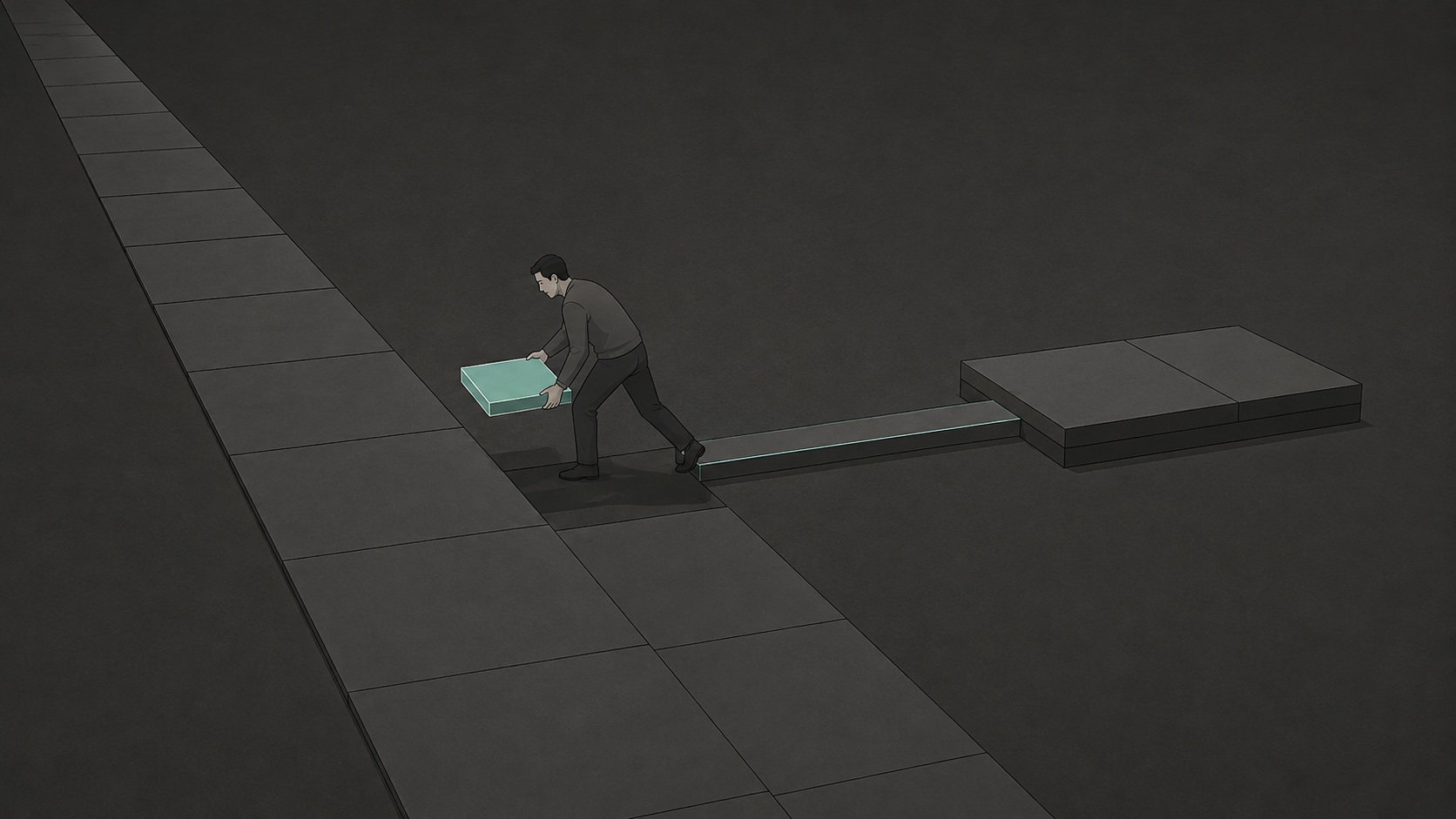
The shift that actually changes this isn't learning more about AI's capabilities. It's changing where AI sits in relation to the task. Instead of going to the tool and bringing something back, you place it inside the stages of work you're already moving through. Once it's there, it stops being a detour and starts being a component of the process, one that touches specific points rather than being aimed at the whole deliverable from outside.
Break the task into its stages first
Almost nothing you do at work is genuinely one task. "Prepare the leadership briefing" sounds singular, but underneath it are several distinct jobs: gathering and organising raw material, spotting the gaps a sceptical audience will ask about, and producing prose that reads as though it belongs in the room it's headed for. Treat the whole thing as one instruction and you get a document that's technically complete and practically useless, because no single request can carry that much different thinking at once.
Separating those stages is what makes placement possible. Once the work is visible in parts, you can look at each part on its own terms and ask a much smaller, much more answerable question: does this specific stage benefit from AI, or does it need a person's judgement first?
A communications manager preparing that same leadership briefing offers a useful contrast. Rather than asking AI to write the document, she starts from her own raw notes, the scattered bullet points and half-formed observations from a debrief with the product team. Her first move is organisation: she asks AI to sort the notes into logical groupings. It surfaces clusters she hadn't consciously separated, including customer feedback themes and open resourcing risks, and she corrects one grouping where a complaint had been muddled with an internal process issue. Her second move is gap identification: given the groupings, what would a leadership audience likely ask that isn't yet addressed? Two gaps come back, one about competitive response timing and one about budget variance. She already knew the answers but hadn't thought to include them. Her third move is compression: she drafts the opening section herself, because she knows exactly the tone her director expects, then hands AI a paragraph that's run long and asks for a version thirty per cent shorter without losing the three key points.
At no stage did she ask AI to write the briefing. She used it three times, each time on a bounded piece of the work: organisation, gap identification, compression. The finished document is still hers, built from her judgement and her understanding of the room. What changed was that the tool entered at points where it could genuinely help without needing to hold the whole picture in its head.
What placement actually changes
Notice what's different about this compared with the broad request. A single instruction asks AI to understand context it doesn't have: the politics of the room, the priorities the director has already flagged, the specific audience for this specific document. A bounded task asks it to do something much narrower, and much more reliable: sort these notes, find these gaps, tighten this paragraph. Structured, well-defined stages tend to be exactly where AI performs best. Stages that depend on organisational memory, relationships or judgement calls tend to be where it performs worst, however fluent the output looks.
This doesn't mean every stage of every task should involve AI. Some tasks are short enough or sensitive enough that decomposing them into stages would be its own kind of overhead, and integration was never meant to mean automating every step just because a step exists. The point isn't maximum use. It's placing AI where it does something a plain request never could, and leaving it out where a plain request would only get in the way.
If you want to see this working in your own week, pick one task you handle on a repeating basis, a weekly update, a recurring client summary, a regular internal report. Write down its actual stages, not the single label you'd give it on a to-do list, but the two, three or four distinct jobs hiding inside that label. Then mark each stage: AI, human, or shared. You'll likely find that some stages you've been doing entirely by hand would benefit from a bounded AI pass, and that some stages you've been outsourcing wholesale to a broad prompt would go better done yourself, with AI brought in only to tighten or check the result afterwards.
Do that once, with one real task, and the abstract idea of "placement" becomes a concrete map you can reuse every time that task comes round again. The next time the work repeats, you won't be deciding from scratch where AI belongs. You'll already know.
Useful AI adoption was never really about visiting the tool more often. It's about knowing exactly where, inside the work you already do, it earns its place.
Anthony Velland
Interested in going further?
AI Without Guesswork builds on this idea of placement into a full working method for turning scattered AI use into something dependable, stage by stage, across the tasks that make up a professional week.
Ad · Amazon affiliate link.